
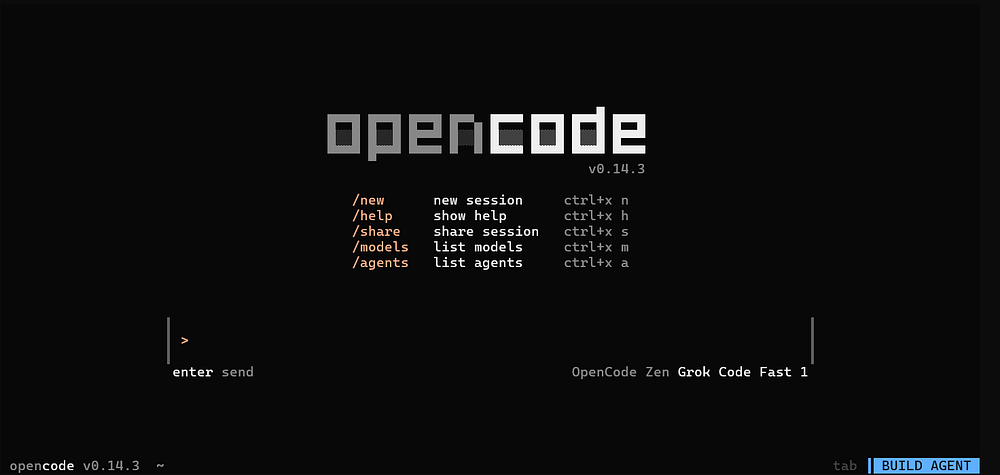
If you didnt't open the OpenCode for few days then you might get this error: Token Refresh Failed 404, this issue comes up when you does not used OpenCode for a while and tries to use any of the connected providers models like ChatGPT from OpenAI or Gemini from Google or any other. Well luckily this can be fixed simply with few step, below is the guide to fix.
OpenCode Error: Token Refresh Failed 404 Fix
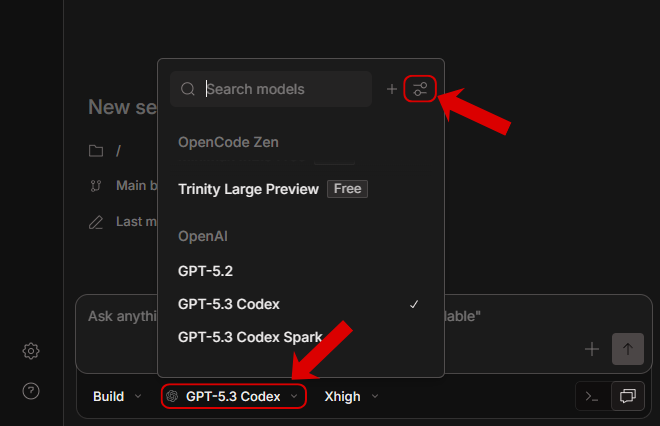
This issue can be resolved by relogin the provider account, you will just need to follow few steps.- Expand the model selection panel and click on settings.
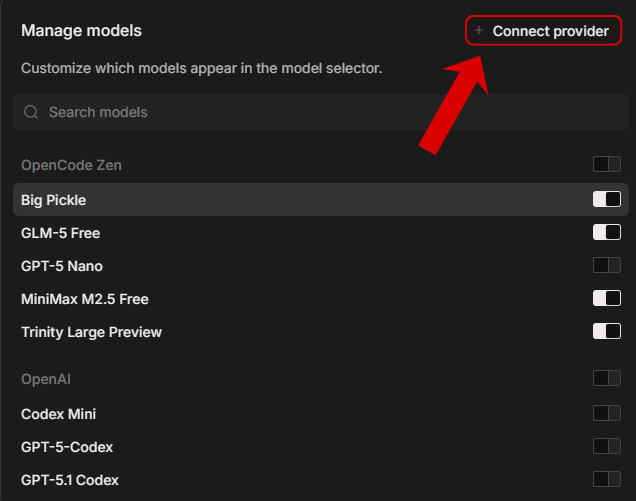
- Now click on the connect provider button.
- Now you can relogin the provider that you want to use or relogin the previous one that you were using previously.
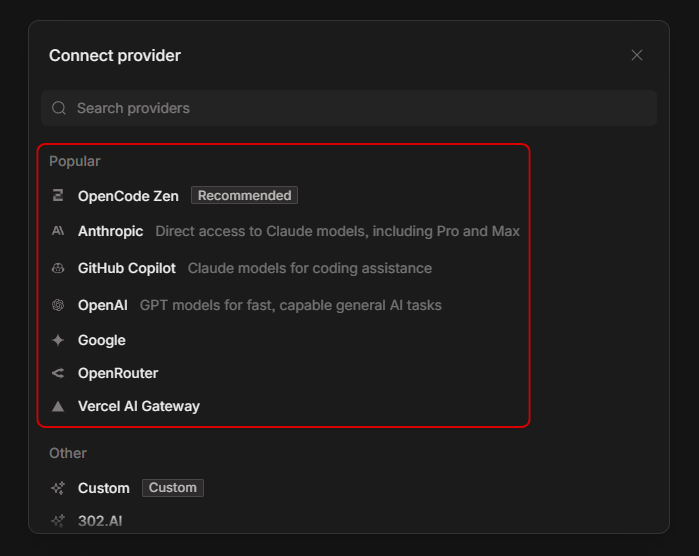
This will refresh the login and authorization credentials and the token refresh failed issue will be solved, next time if the issue comes again if you didn't used the open code for few days then repeat the same steps and the issue will be solved.