So, you got bored of your name in Valorant and want to surprise your friends with a new name, or for whatever reason, you just want to change it. Then here is our complete and latest step-by-step guide to change the name in Valorant game.
Since every online game or product has a naming system to determine the player's identity in the online world. To change your display or in-game name in Valorant game, the Riot won't give any setting options or there is also no coupon or rename card-like thing. The only thing you will need to do is just login to the Riot account from this link and you are good to go.
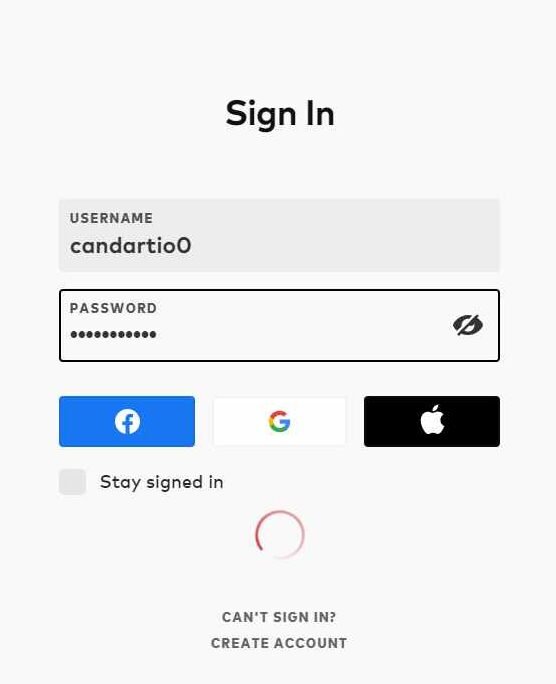
![How to chnage name in valorant in 2021/2022]() 2. Now login with your credentials (username and password that you use to login into Valorant).
2. Now login with your credentials (username and password that you use to login into Valorant).
 3. Now you will receive a mail on your Gmail account that you have provided to Riot when you have created your account in Valorant.
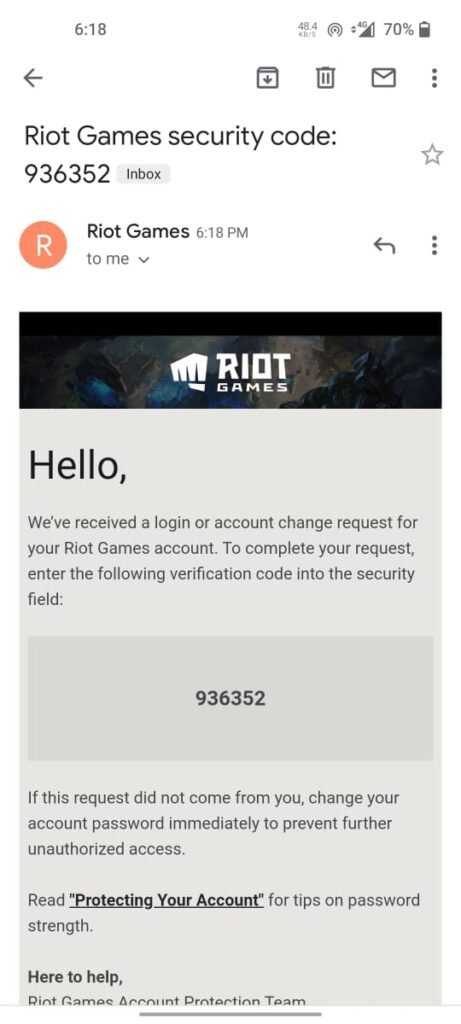 4. Enter the code that you have received on your Gmail and press enter.
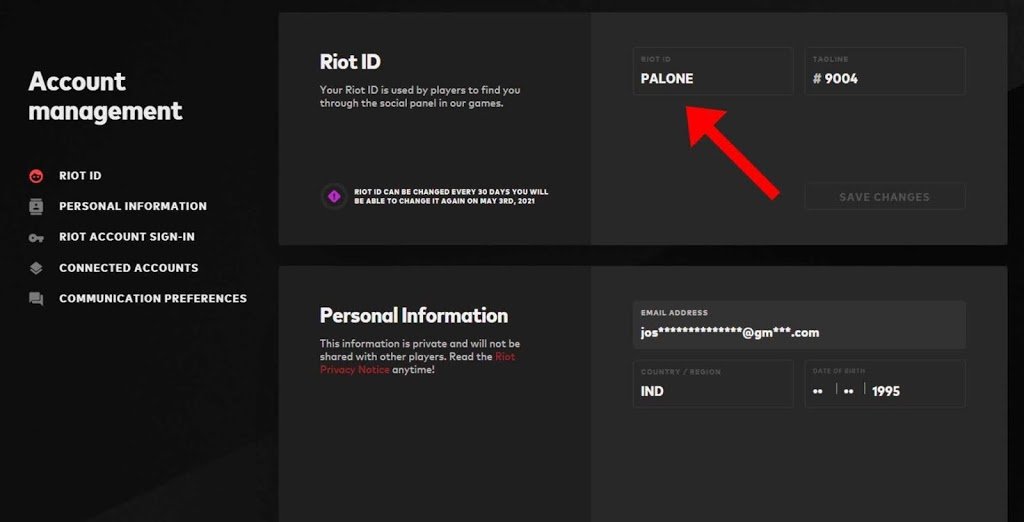
 5. Now here you can see Riot ID and tagline option, the Riot ID is your Valorant name change it to a new name that you want. You can also change the tagline if you want.
 6. Click 'save changes'.
Your Valorant name has now changed successfully, you can now restart the Valorant game in order to refresh to see your new in-game name.
6. Click 'save changes'.
Your Valorant name has now changed successfully, you can now restart the Valorant game in order to refresh to see your new in-game name.
For more information, read the step-by-step guide here.
How to change the name in Valorant in 2021
1. Go to the Riot logging page from here (you can also search for 'Riot ID' on Google and click on the first search result).
3. Now you will receive a mail on your Gmail account that you have provided to Riot when you have created your account in Valorant.
4. Enter the code that you have received on your Gmail and press enter.
5. Now here you can see Riot ID and tagline option, the Riot ID is your Valorant name change it to a new name that you want. You can also change the tagline if you want.
The "name" denotes your in-game name and the "tagline" is used to search for friends in Valorant.
6. Click 'save changes'.
Your Valorant name has now changed successfully, you can now restart the Valorant game in order to refresh to see your new in-game name.
How Frequently You Can Change Your Name in Valorant
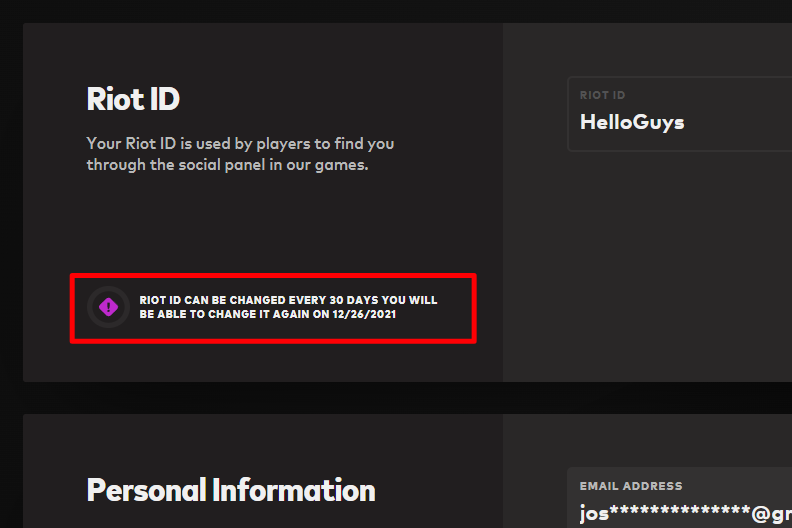
Riot allows changing the Valorant in-game name every 30 days. This means the player can change the Valorant name every month. The name-changing date is shown on the Riot account management page.