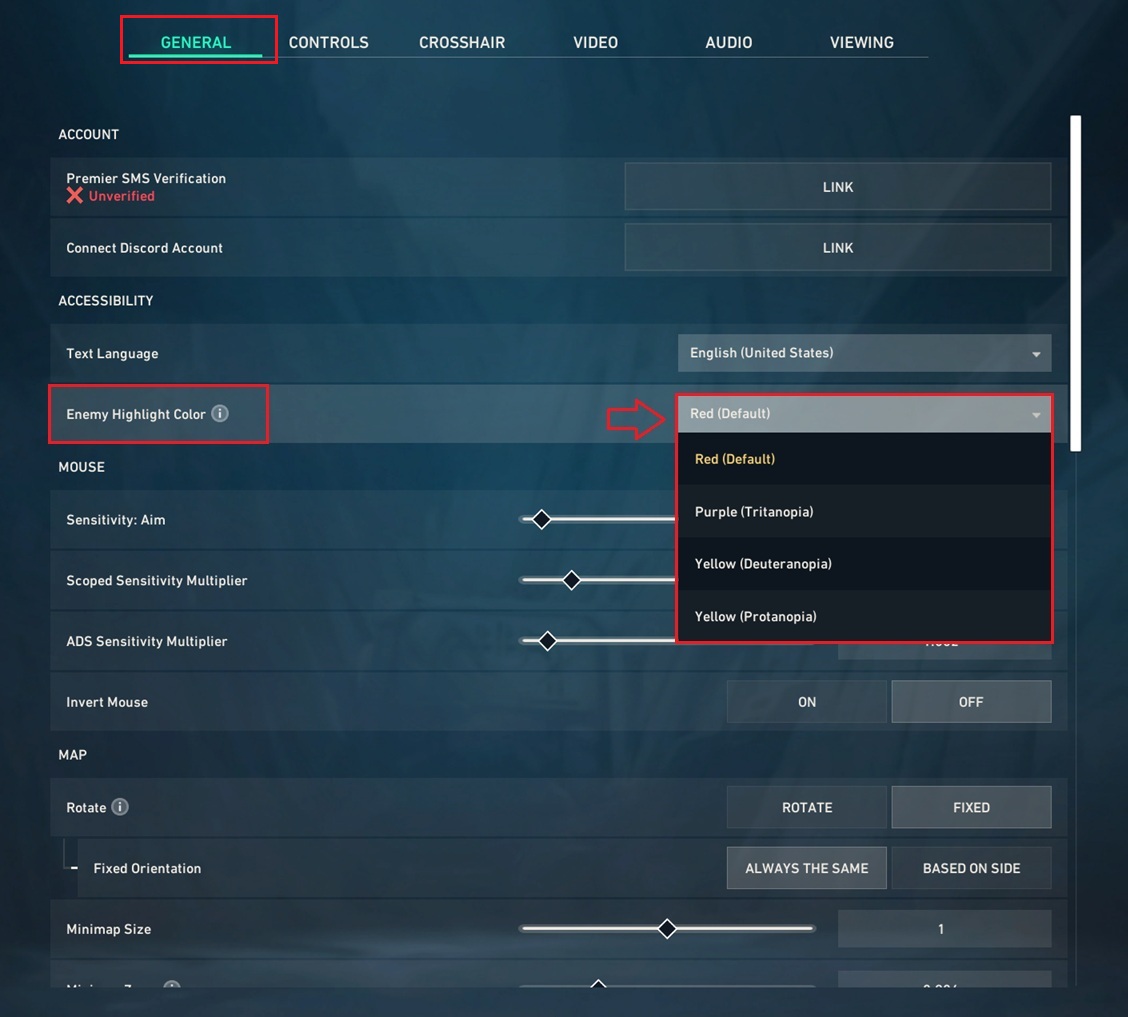
If you are a Valorant player and want to change the enemy color in the game. By default, the red color is alloted to highlight the enemy, but you can change it to other available highlight colors in the game.
What it mean by Enemy Color?
Enemy highlight color is the color that make you differ the agents (characters) appearing while you are in a match, enemy color helps you differentiate between your teammates and the opponents (enemy), so its easy to find or spot an opponent.
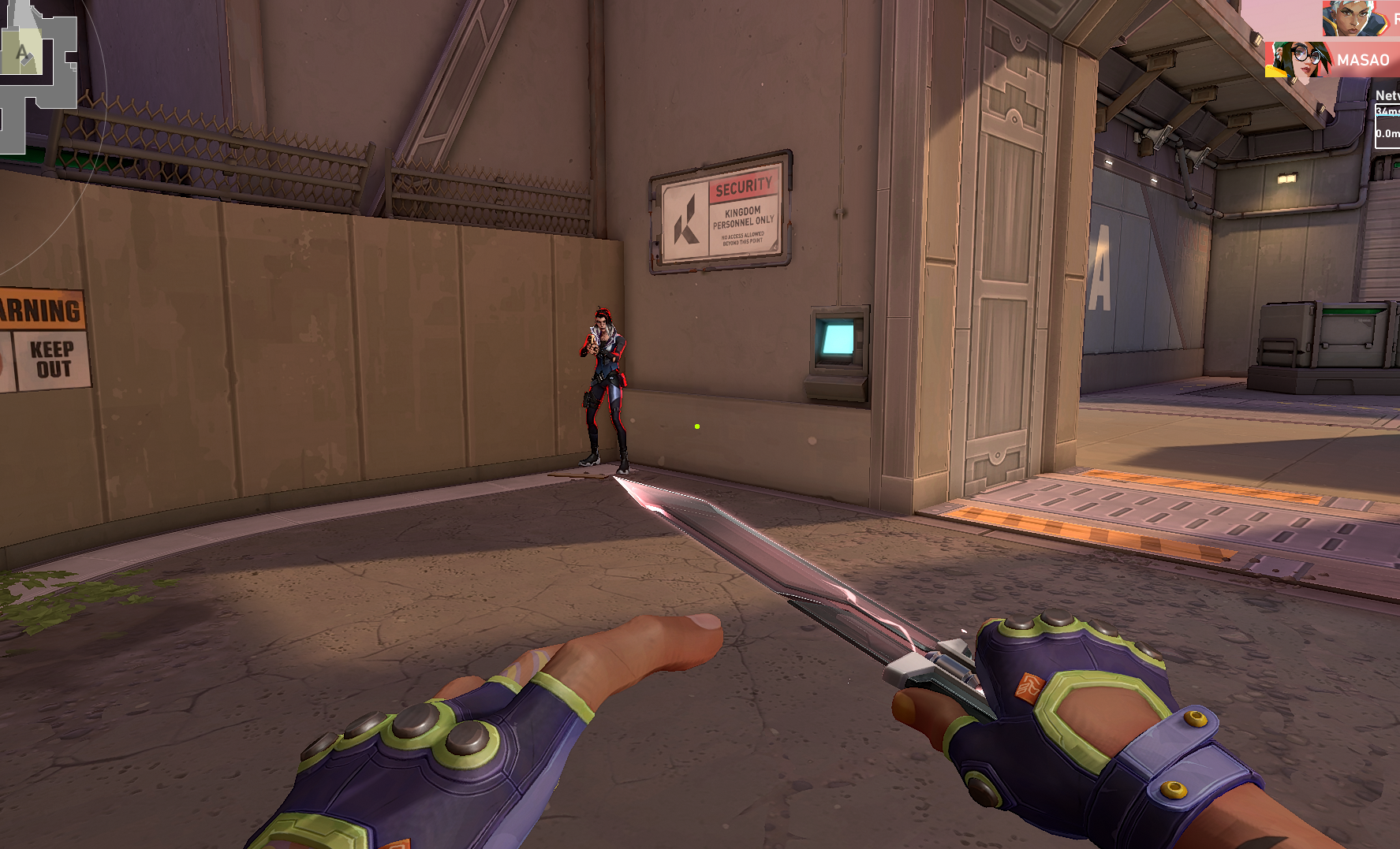
Red (Default) Enemy Color
Available Highlight Colors
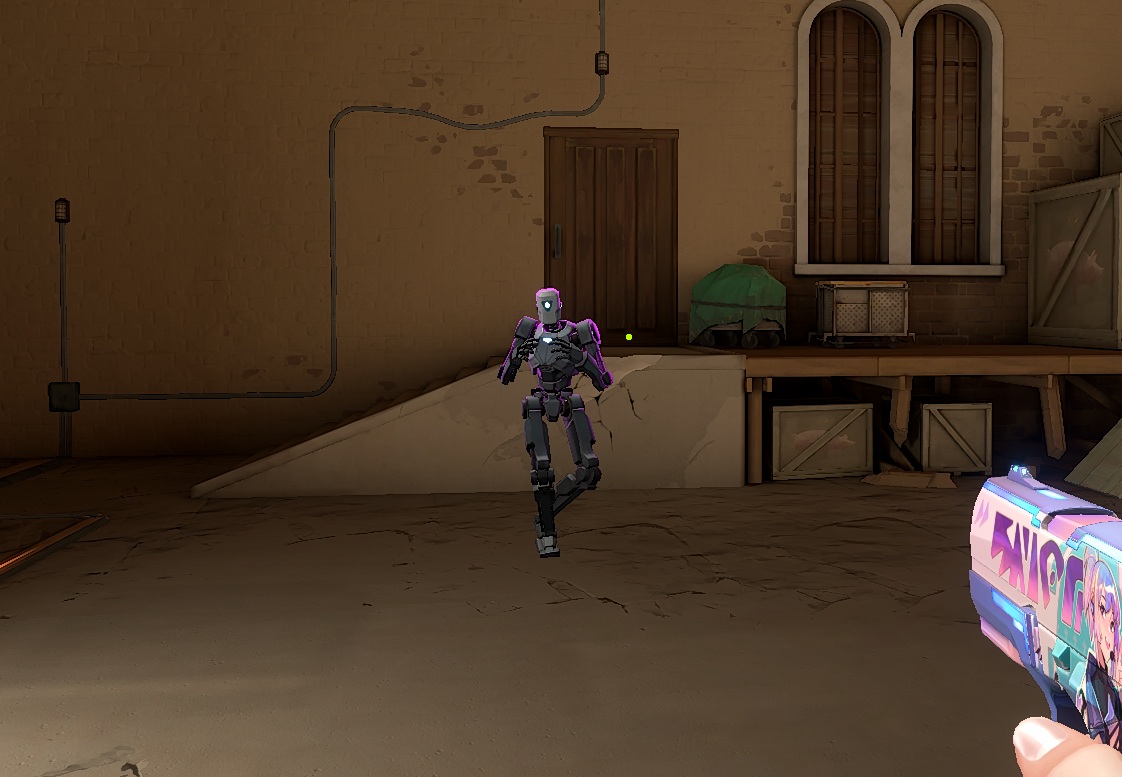
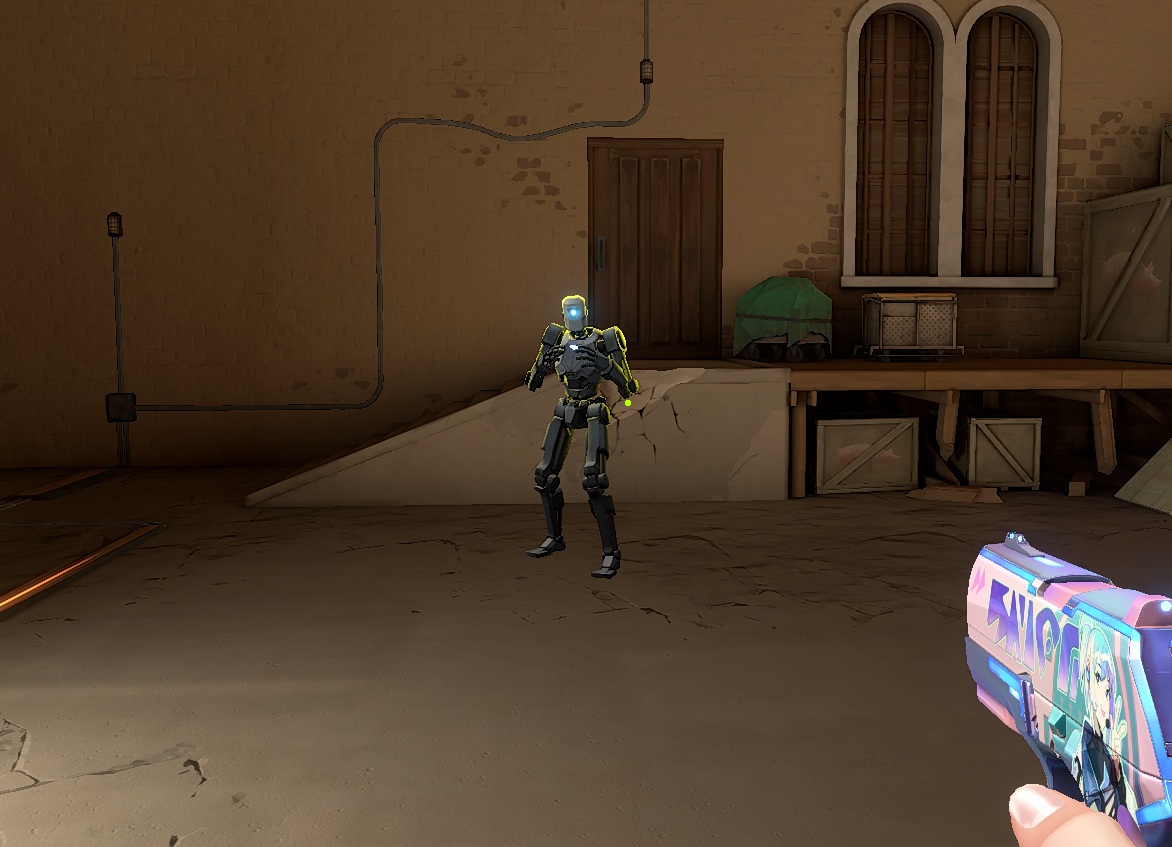
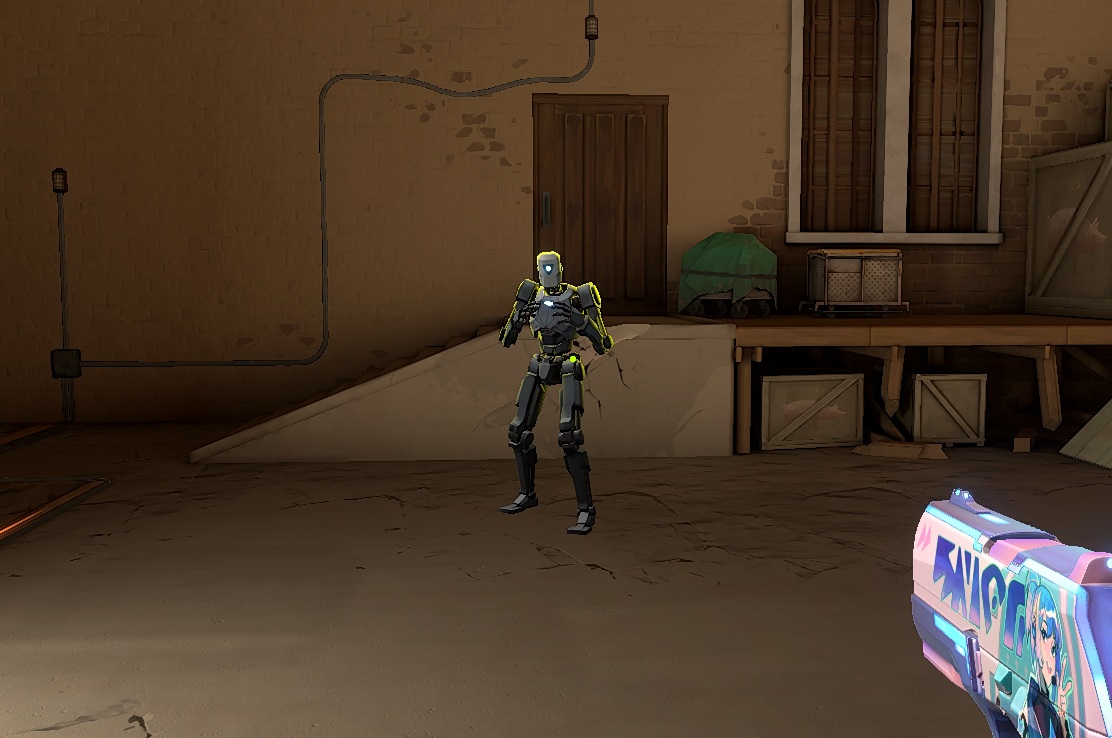
There are 4 available enemy highlight colors, these colors are also according to the medical conditions, so player can choose accordingly.Here are the available colors for a reference so you can preview, which one shoots you.
Purple (Tritanopia) Blue-Green color blindness.
Yellow (Deuteranopia) Red-Green color blindness.
Yellow (Protanopia) Blindness to red is known as protanopia.
How to Change Enemy Highlight Color in Valorant
Open settings and go to general section.
Now under the general>accessibiliy tab, you will find 'enemy highlight color', choose the color by expanding the menu and set them according to your preference.
The colors you will choose will be reflected in the game as you apply them (no need to restart).